See which accounts are moving
and who shows purchase intent

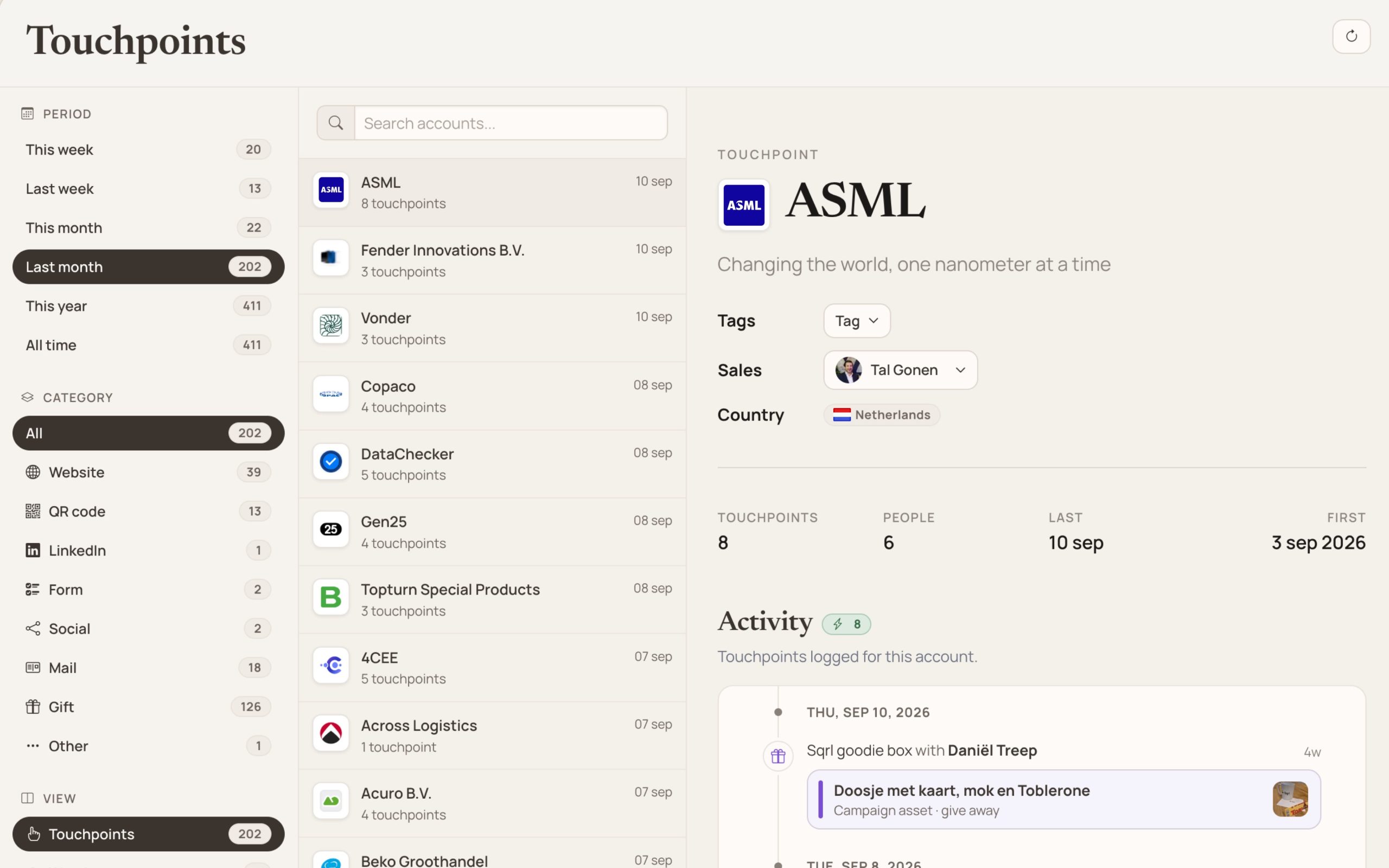
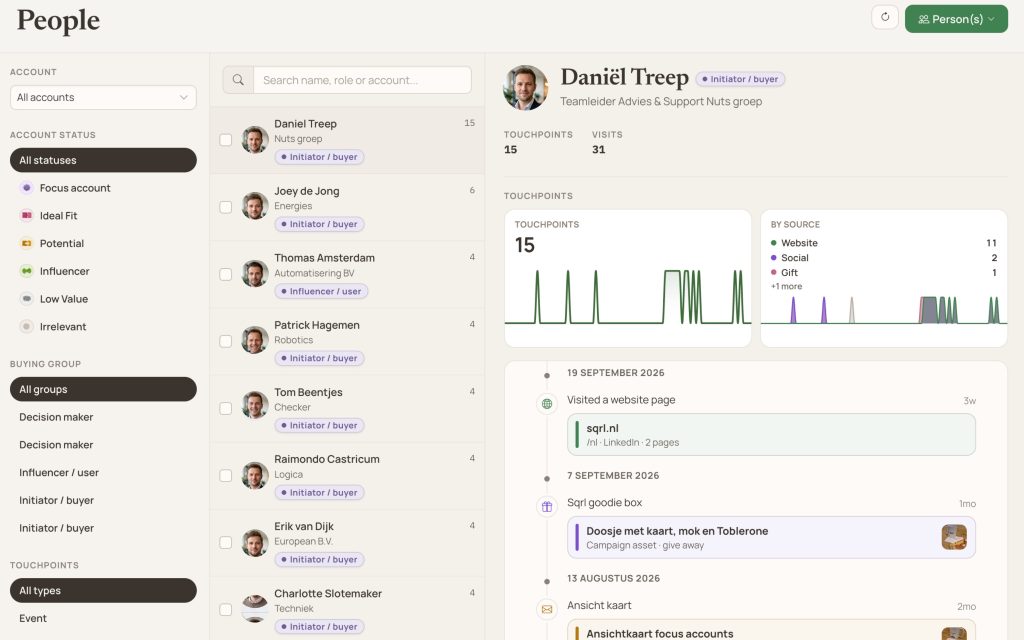
Recognize which companies visit the website and combine intent signals from all touchpoints into one Touchpoint Feed. At account level and at person level.

zie welke accounts bewegen detail detail

The features in this step

From visible to in motion

In step 1 you have identified which accounts and people matter. Here you see what they do. These signals feed the activation in steps 3 and 4, and determine in step 5 when an account is sales ready.

Feature

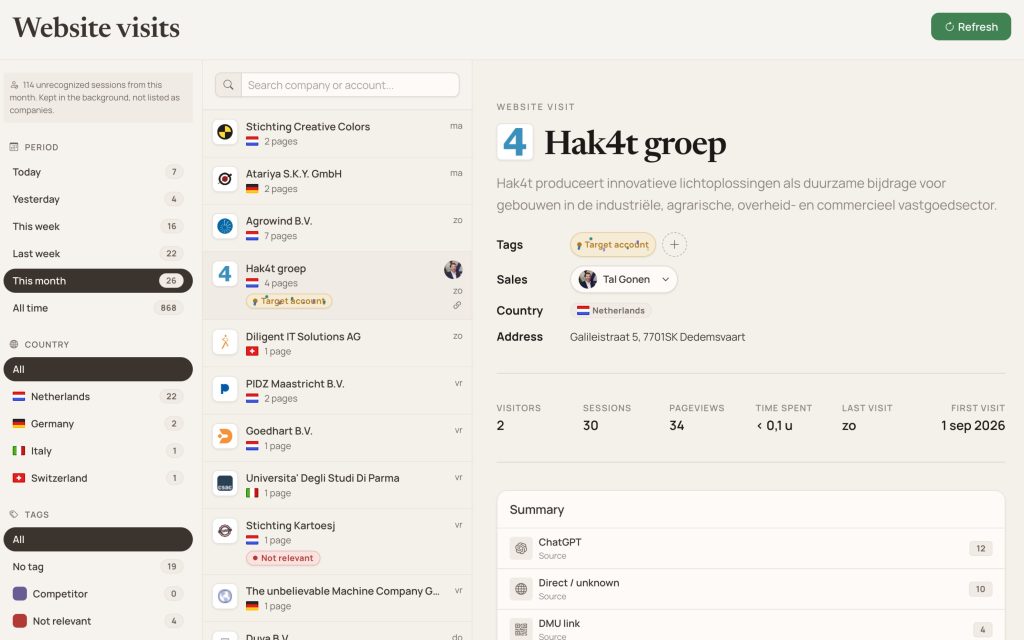
Website Visitor Identification

Recognize which companies visit the website and directly link website behavior to accounts within Sqrl.

For your agency: see which accounts visit your client’s website, without a separate tool for website recognition.

In the journey: a website visit is a touchpoint. It appears in the Touchpoint Feed and counts towards the signals that determine when an account is sales ready.
More about recognizing website visitors
website visits 1

Feature

Intent Data & Touchpoint Feed

Collect and combine intent signals from various touchpoints. In the Touchpoint Feed you centrally see which accounts and people show activity and purchase intent.

For your agency: prioritize per client based on what accounts do, instead of assumptions. Marketing and sales look at the same feed.

In the journey: the signals determine who you activate digitally and physically, and form the basis in step 5 for the moment when an account becomes sales ready.

zie wanneer een account sales ready is detail detail

Next step: activate accounts digitally

If you know which accounts are moving, you activate them. With retargeting without website pixels, LinkedIn, and personalized content per buying persona.